More from my phone camera

A couple of nights ago I played around some more with the camera in my new phone, taking photos out of the back bedroom window. The weather was rather grey, showing promise of a good sunset but not producing one. It did however produce some nice clouds, which in my book are much better to look at than the featureless blue sky described by many as “lovely weather”. (Apparently, weather is “good” when it saps your energy and makes you permanently uncomfortable as a continuous stream of sweat runs down into your eyes, soaks into your clothes, and makes your hands sticky; the weather in which your nose runs non-stop, the air becomes steadily less and less breatheable and everyone gets skin cancer from the direct sun . . .)

Yes, I’m glad that the hot weather of the beginning of last week has now subsided. I don’t like the summer.

I initially decided against posting these photos, but people on Twitter seemed to like them so I’ve changed my mind.

Unfortunately the silhouetted skyline in the first one isn’t as sharp as it might be. Maybe I forgot to set the focus to infinity, or maybe the camera moved. I like the sky though:

Clouds over Manchester

Clouds over Manchester

The second one is a lot sharper:
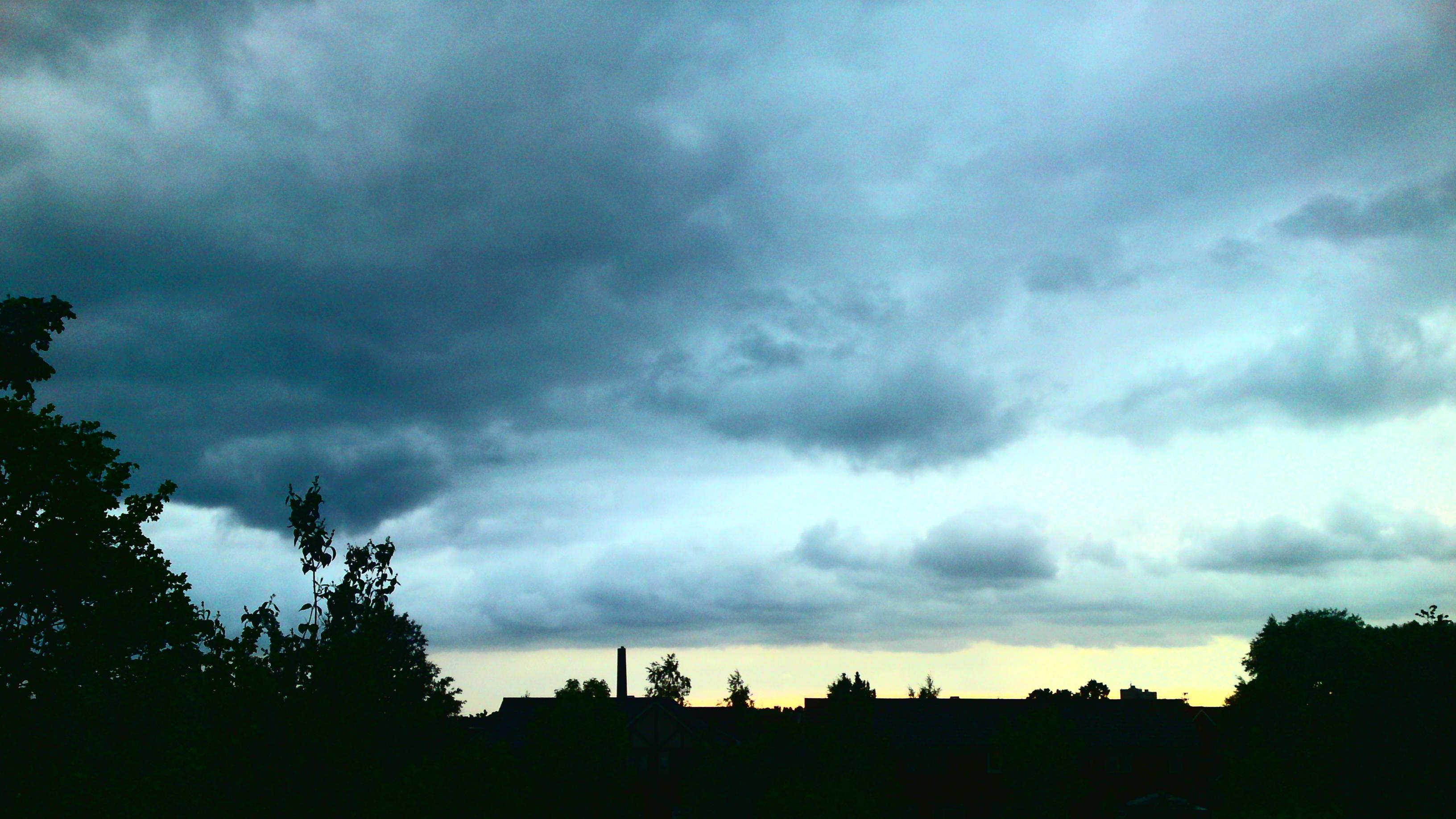
A more in-focus skyline

A more in-focus skyline.

To produce these photos, I first found an exposure setting which showed as much detail as possible in the clouds, and took the photos. Then I used the phone’s built-in picture editor to adjust the brightness and contrast, so as to make the skyline (nearly) black and highlight the cloud detail. The next step was to adjust the setting the phone calls “colour balance”, which I think is actually the saturation level (it has grey at one end of the scale, and unnaturally strong colours at the other). I wasn’t aiming for a realistic picture: I wanted to show the shape of the clouds as dramatically as possible, and to show the viewer why I think they’re worth looking at. Finally I did some cropping to get the composition how I wanted it. (On the phone for one of them, and in Windows Paint for the other.)

For reference, this is how the weather actually looked. It’s the original version of the first photo above, before I adjusted the contrast and colour.

How the weather really was: unedited photo

Original photo, before enhancing the contrast and colour

Don’t complain about the “bad” weather. Enjoy it, and point your camera at it!

From my new phone

A few days ago I got a nice new phone, with a nice new camera in it. It’s a while since I last posted here, and I want to show off the photos, so . . . 🙂

The phone is a Sony Ericsson C905, which has some idiotically advanced features. For example, the 8Mpx camera has an option (as yet untried by me) where it waits for someone to smile before it takes the photo, and another where it looks for faces in thee picture and focuses on the nearest one rather than on the centre. No doubt in 18 months’ time they’ll all seem very primitive.

Be warned: if you click the photos for the full-size versions, some of them are pretty big.

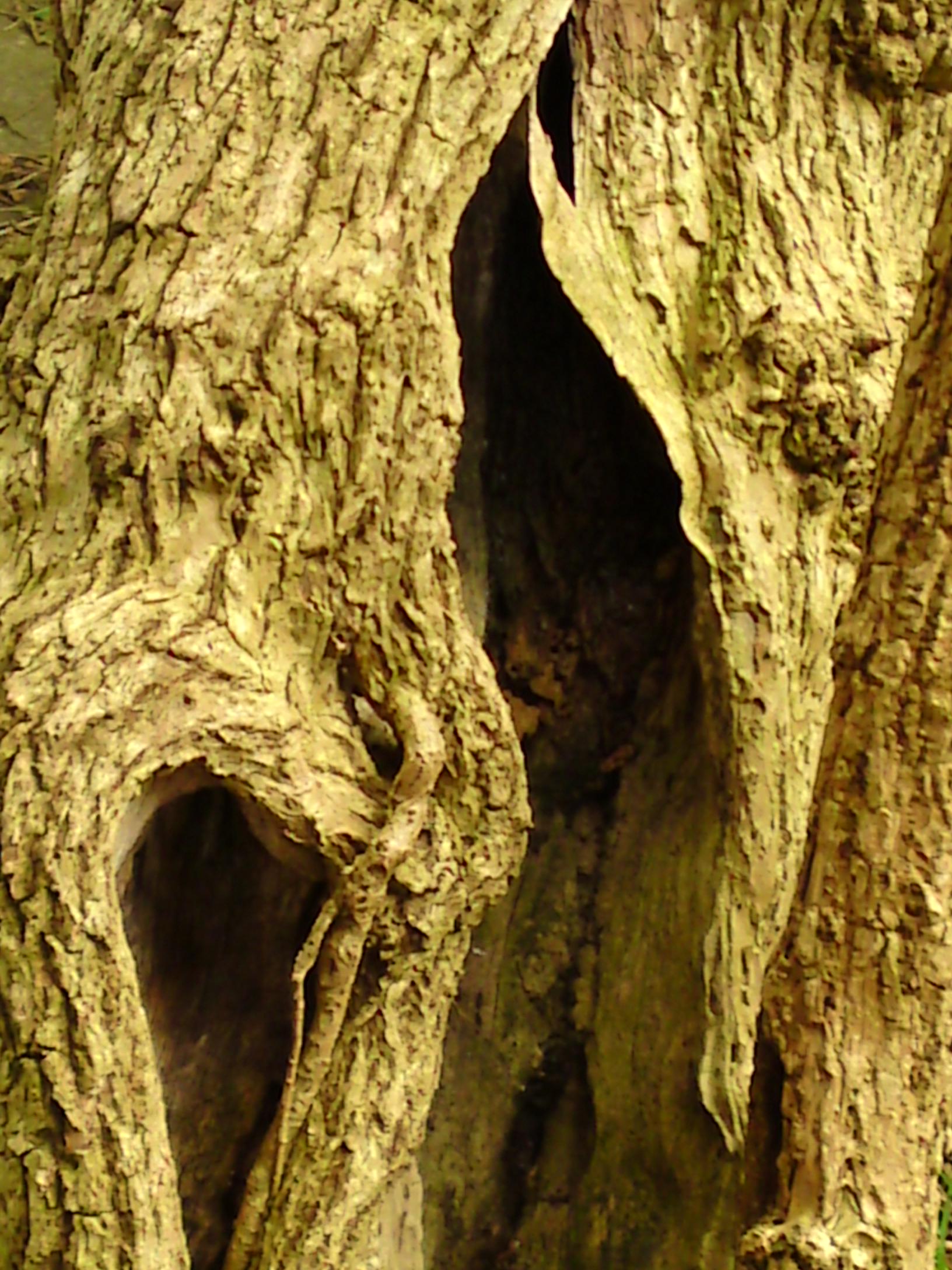
First we have an elder tree/bush which, sadly, is no longer standing (it seemed better to cut it down before it fell down on its own…) This was photographed using approximately 2x digital zoom:

Elder trunk

Elder trunk showing signs of age: original photo

The interesting bit:

Zoomed detail of the same photo

Zoomed detail

The high resolution is quite freeing when taking pictures. Being a phone camera, it only has a digital zoom, not an optical one. With my previous camera (Sony Ericsson k750i), I had to be very careful about using the zoom, because the loss of image quality would be quite significant. With this one, it’s possible to use an appropriate zoom setting while taking the photo, then zoom some more to see the part of the photo I really want, or to improve the composition.

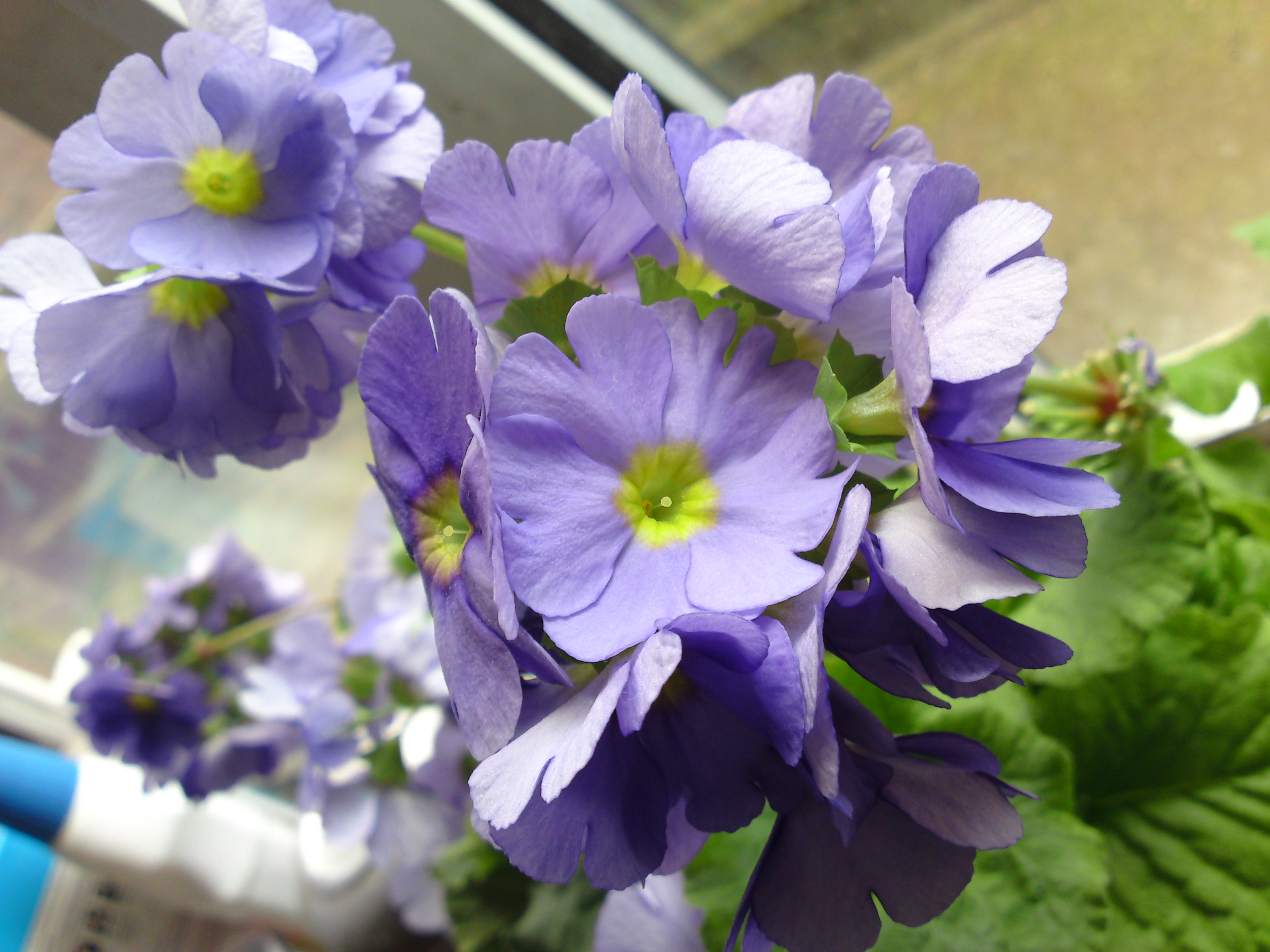
These flowers are behind the kitchen sink; I had to hold the phone at a rather awkward angle to take the picture, and couldn’t easily see the screen to compose it.

Original photo, using macro mode

Original photo, using macro mode

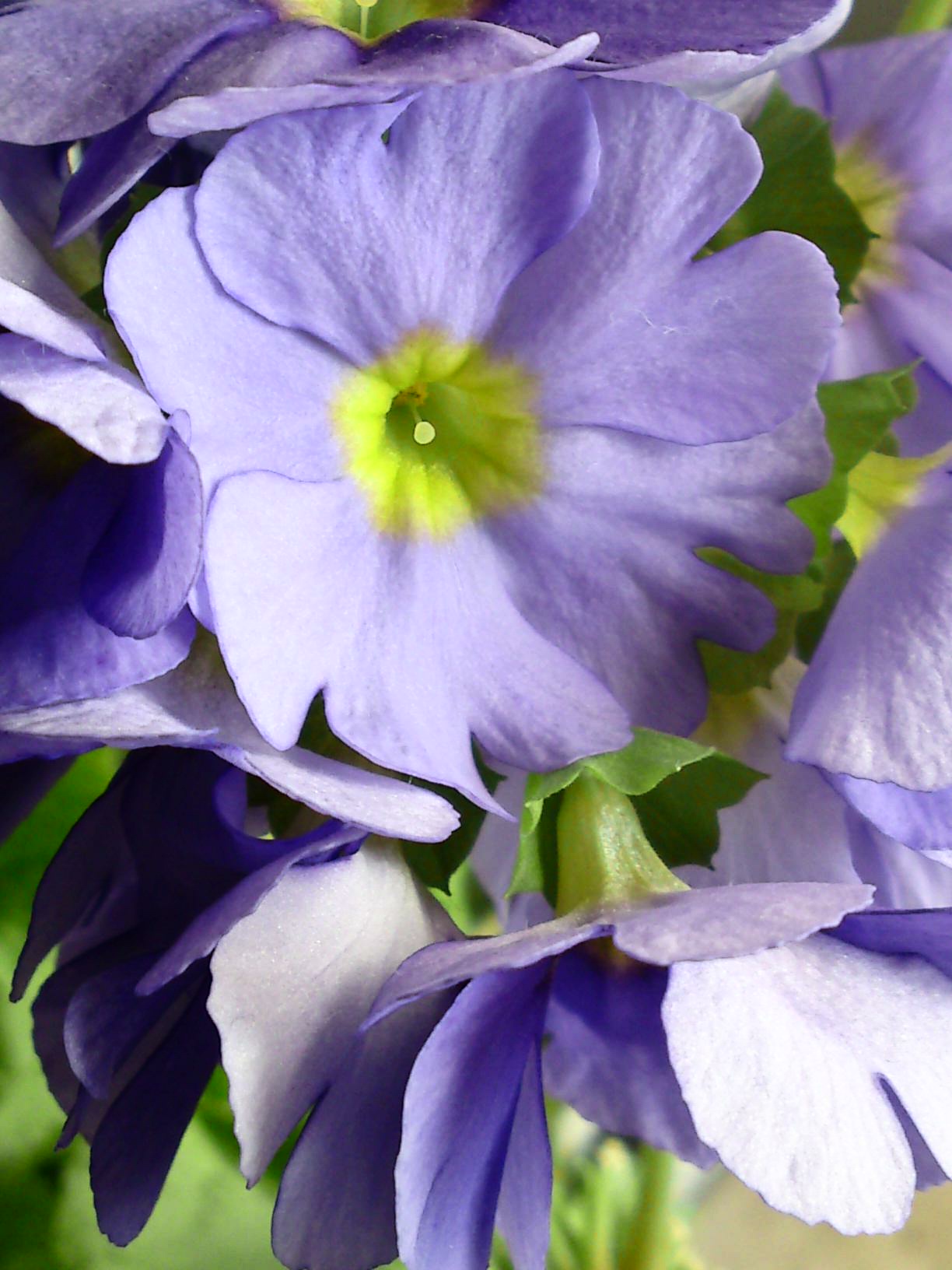
The phone has a very nice built-in photo editor, with a very silly name to make you think it won’t be any good (“PhotoDJ”). So as well as selecting the part of the picture I would have taken if I’d been able to see what I was doing, I used the editor to increase the contrast slightly. This made the colours a bit less bright, so I adjusted them back to how they originally were. (If you get confused comparing the two photos, the photo has been rotated 90 degrees.)

Zoomed, contrast slightly increased

Zoomed, contrast slightly increased

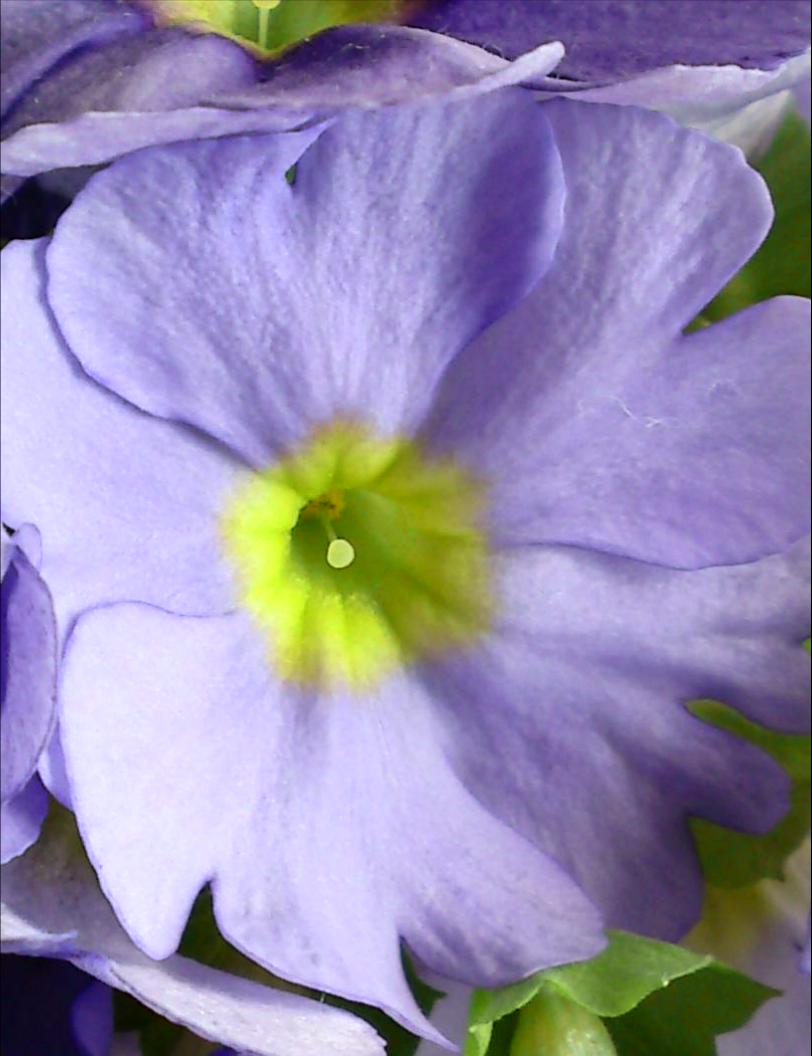
Just the one flower:

Zoomed some more

Zoomed some more

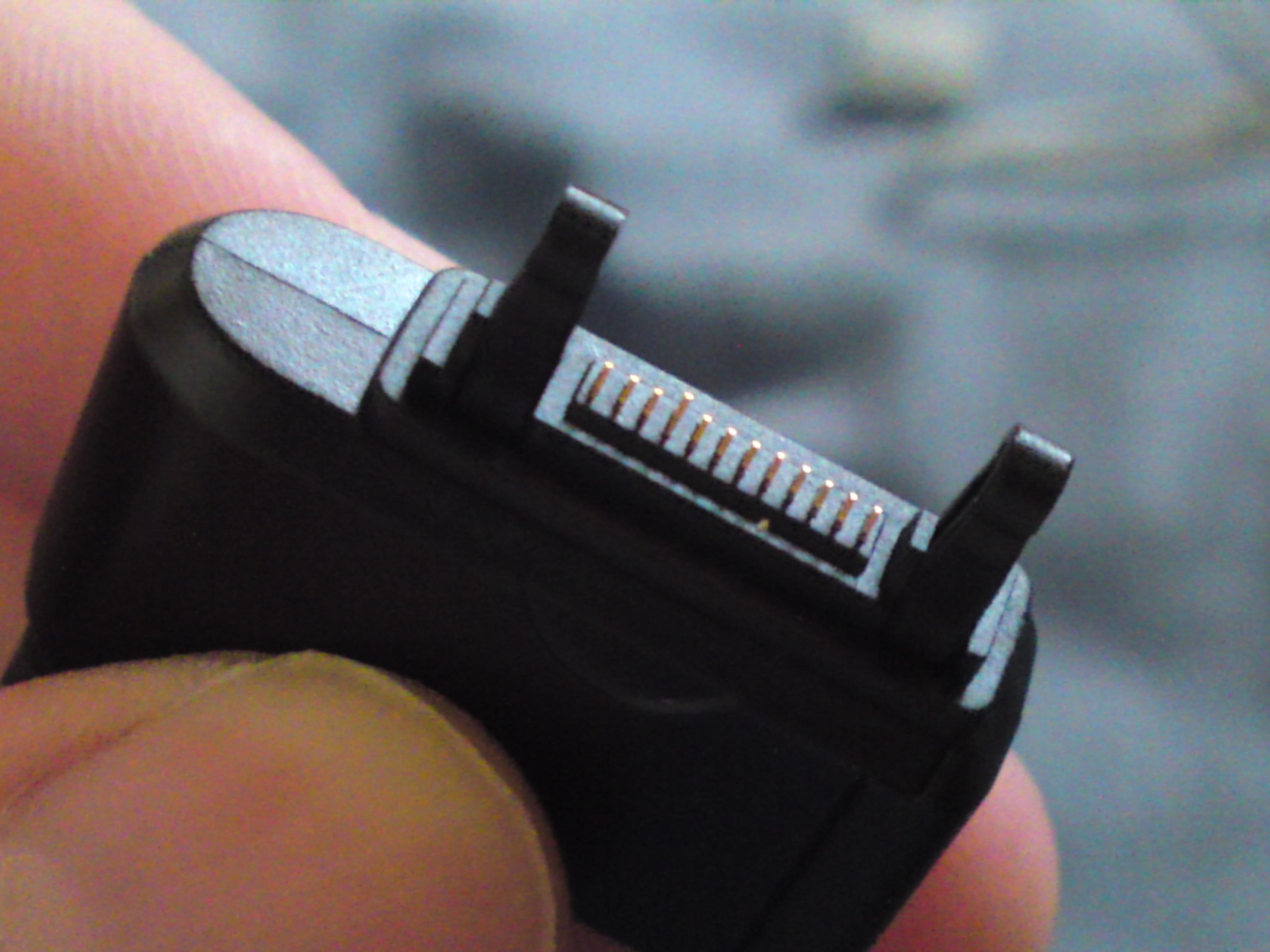
And lastly, for no particular reason other than that it was the nearest small object to hand, a photo of the charger plug, in macro mode. If I’d been using a “proper” camera, i.e. a manual one, I’d have used a wider aperture to make the background fuzzier, but I was still pleased to see that the camera doesn’t force me to have everything in focus all the time.

Sony Ericsson charger plug

Sony Ericsson charger plug

I’m pretty pleased with the camera 🙂

It does have weaknesses too though. As far as I know, all camera phones suffer from them.

Firstly, there’s no viewfinder: you can only use the screen. That might not sound like much of a problem. However, I discovered from my previous phone that it is: in bright light — e.g. outside in the sun, taking a picture of the nice sunny scene–the screen is much less visible and you find yourself wishing there were a viewfinder so you could see properly.

Second, there’s basically no manual control. You set things like brightness and zoom, whether the camera focuses on the middle of the picture or uses face recognition, the kind of lighting you’re in and so on. But you can’t say “Well I want the ugly background to melt away into fuzziness, so I’ll use the maximum aperture”. And it doesn’t tell you what settings it’s using.

The tiny lens is both a strength and a weakness. It basically means that compared to a standard SLR with a 50mm lens, the camera is living in a much bigger world. For close-up photos, this is great: one of the biggest difficulties taking them with a normal camera is that the depth of field is very shallow. That is, only a very thin slice of the scene is in focus. For a tiny lens at the same distance, the situation is more like photographing something some distance away, and more of the subject is in focus. The weakness, though, is that it’s quite hard to get things out of focus.

Now that phone cameras are turning into, well, real cameras, I hope someone will soon think of giving the user real control over them. It’s nice having the amazing resolution and all the clever electronics, but a bit good old-fashioned artistic knob-twiddling would be helpful, even if the knobs to be twiddled are virtual ones on a screen. Add a tripod bush, a viewfinder, and a way of attaching filters, and you’re just about there I think, at least for a compact camera.

Protected: Work in progress

This content is password-protected. To view it, please enter the password below.

From Ursula le Guin

Half an hour or so ago I read a tweet on Twitter from someone wondering why he, in Britain, was receiving emails about events in an American university. “Don’t they realise that I live on a different continent?”

One possiblility, I suppose, is that someone got confused about what .uk at the end of an email address stands for. Believe it or not, I heard a while back of people who genuinely thought that it meant University of Kentucky. It stands, of course, for United Kingdom. It’s quite startling to hear your country confused with a university.

Whatever the reason for the emails, it set off a train of thought about the insularity that seems to be springing up as a reaction to the “recession”, “economic downturn”, “credit crunch” or whatever term or euphemism you care to use for it.

And that reminded me of this section of Ursula le Guin’s story “The Royals of Hegn” in Changing Planes. It describes a society where virtually the entire population is a member of the royal family. Their knowledge of the outside world is somewhat limited.

There are 817 kings in Hegn. Each has title to certain lands, or palaces; but actual rule or dominion over a region isn’t what makes a king a king. What matters is having the crown and wearing it on certain occasions, such as the coronation of another king, and having one’s lineage recorded unquestionably in the Book of the Blood, and edging the sod at the annual Blessing of the Fish, and knowing that one’s wife is the queen and one’s eldest son is the crown prince and one’s brother is the prince royal and one’s sister is the princess royal and all one’s relations and all their children are of the blood royal. [ . . . ]

Such questions are not of interest to everyone, and the placid fanaticism with which the Hegnish pursue them bores or offends many visitors to their plane. The fact that the Hegnish have absolutely no interest in any people except themselves can also cause offense, or even rage. Foreigners exist. That is all the Hegnish know about them, and all they care to know. They are too polite to say that it is a pity that foreigners exist, but if they had to think about it, they would think so.

They do not, however, have to think about foreigners. That is taken care of for them.

The worrying thing is, I think there might be a little bit of the Hegnish in all of us . . .

Shall I turn them off?

Note

Since I wrote this, WordPress have switched to using a different version of the popups. They now ignore the settings I was using for turning them on and off for individual links, and personally I find the new ones ugly and annoying, so I’ve now turned them off for the entire blog.

Snapshots (snap previews)

I’m still debating whether to turn off the so-called snapshots on my blog, now that I’ve discovered how to customize them a bit. Some people like them, some hate them, and I like them when I want them and not when I don’t.

As a tryout, here are two versions of my blogroll. One has the snapshots which pop up when you hover over a link, and the other has hover text (for the links where I’ve written any). Please try out the behaviour and then vote in the poll. It would be really helpful to have as many people’s feedback on this as possible.

Hover over these links

WITH

WITHOUT

Give your feedback

I can either have snapshots pop up for all links, none, or selected ones. Some of these options are harder work than others.

If you think snapshots should pop up just for some links, then please tell me which ones (tick as many as you like, and add more in “Other” if you want):

By the way, the reason you can’t view the results of the second poll isn’t that I don’t want you to see them, but that they drop off the bottom of the background image and end up as white text on a white background and I don’t want to go through the other 18 appearance styles offered by Polldaddy looking for the one that behaves itself. If people do vote, I’ll let you know the result in a future post.